Last updated: November 12, 2026. Business Hub is in beta, so I’ll keep this page current as OpenAI expands it.
OpenAI just introduced a new way for businesses to manage how they appear in ChatGPT. If you own a small business, it’s worth paying attention to.
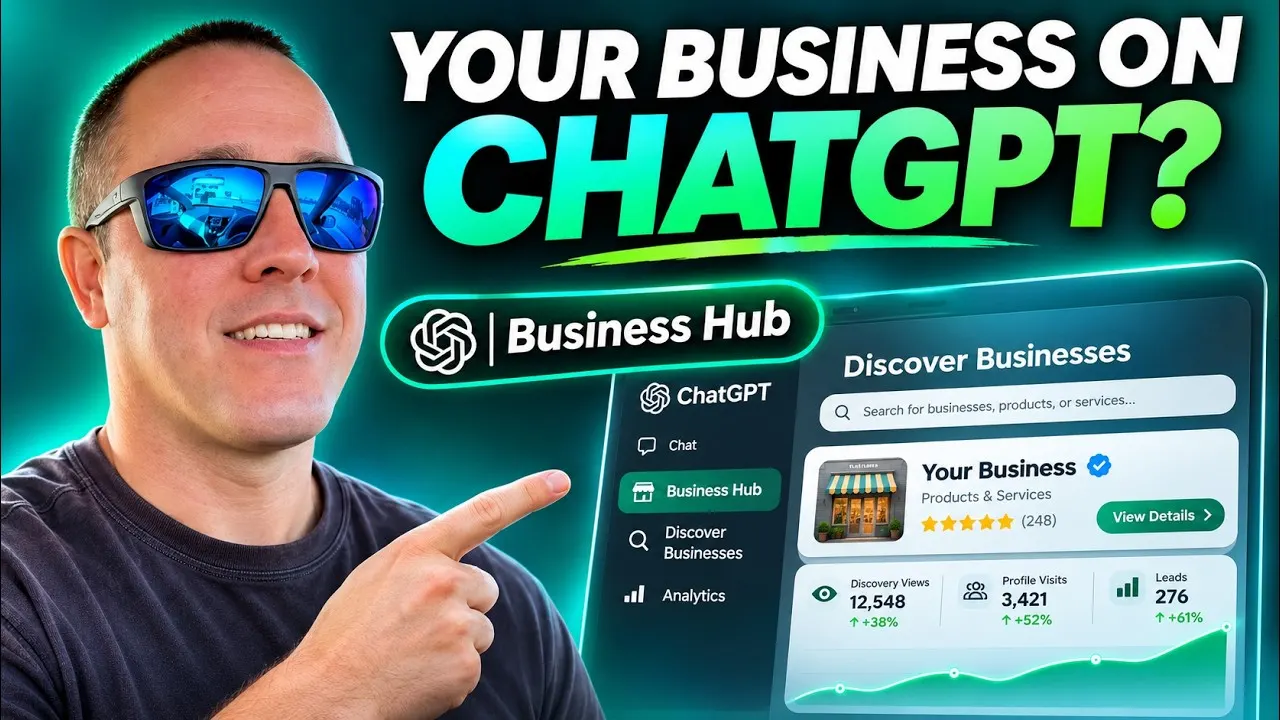
On November 10, 2026, OpenAI announced Businesses in ChatGPT, with a new dashboard called Business Hub.
Think of it as another step in how customers find businesses online. Instead of searching only on Google, more people now use AI to find services, compare products and research companies.
Here’s what you need to know. The video above walks through it step by step; the essentials are below.
What is ChatGPT Business Hub?
Business Hub lets eligible businesses claim and manage their business information directly in ChatGPT.
Once verified, a business can:
- Claim its profile and update important company information.
- See insights such as how often ChatGPT mentions it, clicks to its website, and the topics behind those mentions.
- Share product information, including pricing and availability, where supported.
- Create a Business Agent, if eligible, that answers customer questions about its products and services.
For the first time, business owners get official, aggregated data about how customers come across them inside ChatGPT.
How to claim your business on ChatGPT
Getting started is fairly simple:
- Go to ChatGPT Business Hub (it’s also in the ChatGPT sidebar).
- Search for your business name and select your listing.
- Follow the ownership check. Depending on your business, that can be a business phone number, a business email, a DNS record on your website, or your Shopify store.
If your business isn’t listed, you may see an option to add it, depending on your business type and location.
After your claim is approved, you also need to pass an identity check through Persona before you can publish updates or see insights. Have your ID and your business registration details at hand, and make sure your business name and address match your official records.
Important: Business Hub is in beta. What you can do depends on your business category. Business Agents start with eligible U.S. ecommerce stores and online service businesses; local shops and restaurants aren’t eligible yet. OpenAI’s setup guide has the current details.
Does claiming your business improve your ChatGPT rankings?
This is the part many owners will miss: claiming your business does not guarantee that ChatGPT will recommend it.
OpenAI says it plainly: claiming “does not guarantee higher placement or sales,” and ChatGPT keeps making its own recommendations, using other sources too.
That’s why the basics still matter:
- Make sure your website says clearly what you offer, where you work, and how to contact you.
- Keep your business name, address and phone the same everywhere they appear.
- Write helpful pages that answer the questions your customers actually ask.
Business Hub gives you more control over your information. Being listed and being recommended are two different things.
What happens next?
It’s an early release, but it points to a real shift: businesses now need to think beyond Google Search and look at how customers find them through AI tools too.
You can read OpenAI’s announcement for the full feature list.
Want help being found, on Google and in AI search?
I build SEO-friendly websites and help local businesses show up where their customers search, from Google Maps to ChatGPT. Request a free 20-minute call and we’ll look at where your business stands.